Introducing HeroUI v3
A ground-up rewrite for React and React Native. 75+ web components, 37 native components, Tailwind CSS v4, React Aria, compound architecture, and built for AI-assisted development.
Every component rewritten. Every animation moved to CSS. Styles decoupled from implementation. A brand-new React Native library. And tooling that treats AI assistants as a primary development interface.
Overview
React (Web)
75+ components. React Aria Components for accessibility. Tailwind CSS v4 + CSS variables for theming. Styles in a standalone package you can use with any framework.
React Native
37 components with shared design tokens, compound pattern, unified animation API, and adaptive presentation modes. Built native on each platform with Uniwind for Tailwind CSS v4 support.
HeroUI Pro
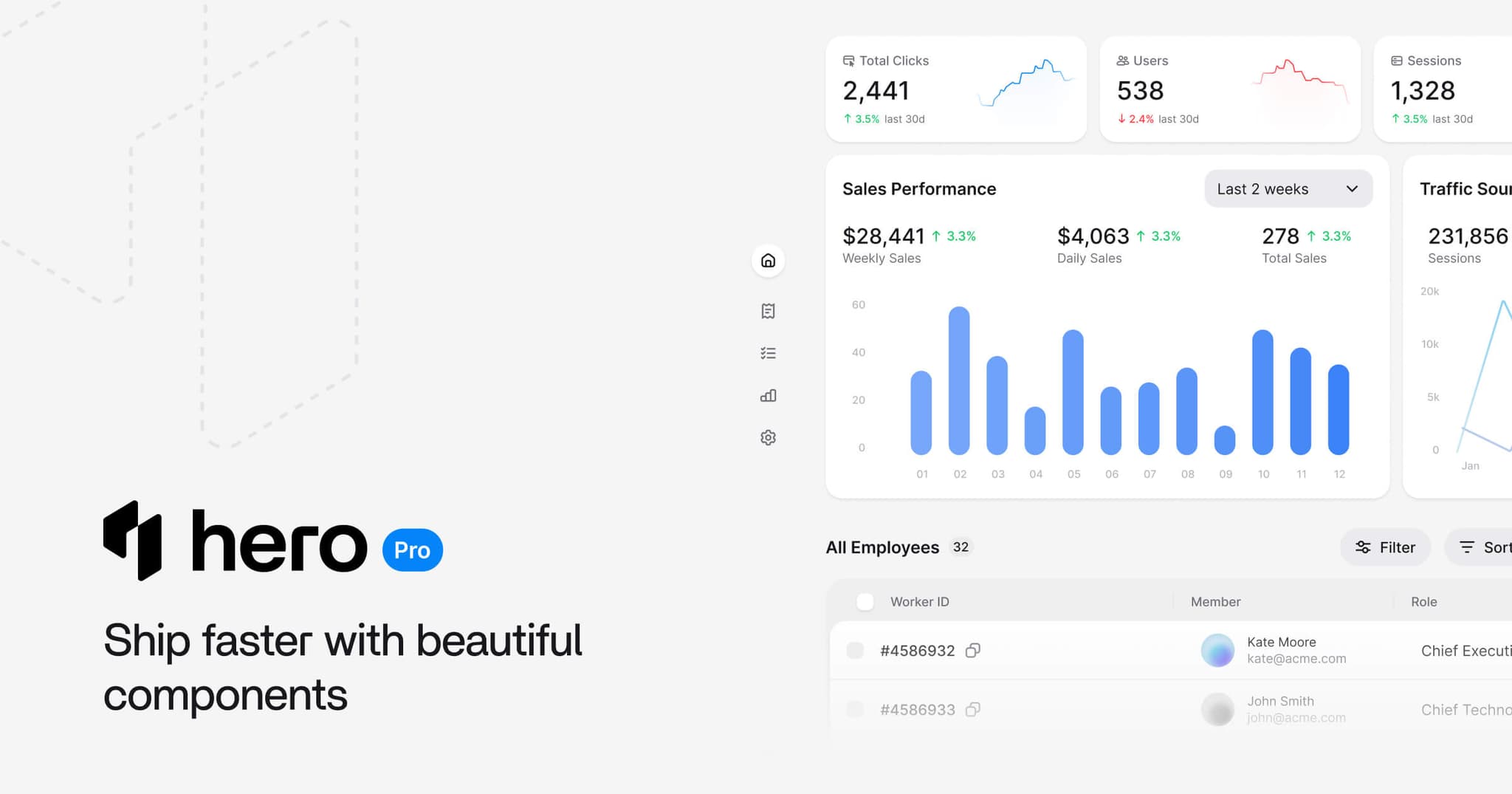
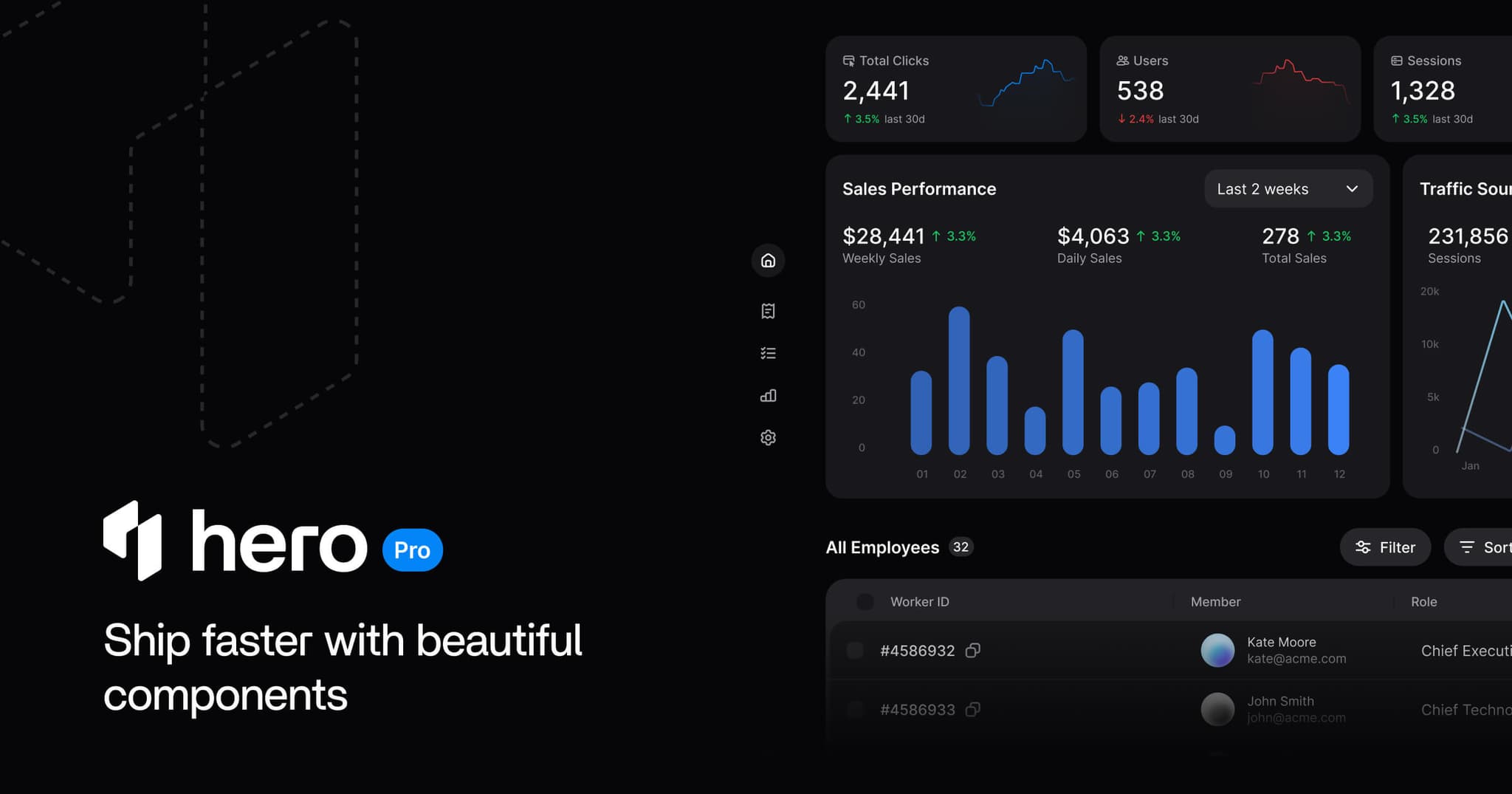
Premium components, templates, and AI tooling for React and React Native. Command palette, Kanban, DataGrid, Dashboard templates, and more. Pre-sale pricing at heroui.pro.
Design Principles
Composition over configuration: v2 components were black boxes. v3 adopts compound components: every internal piece is a real element you can style, move, swap, or remove.
Styles separated from implementation: @heroui/styles is standalone CSS. @heroui/react handles behavior. Use the styles with React, plain HTML + Tailwind, or any framework. BEM class names make every slot customizable globally. Swap themes to change not just variables, but how components look and feel.
Headless when you want it: Remove the @heroui/styles import and you have a headless library. We maintain functionality and accessibility. You focus on your product.
Performance by default: v2 used Framer Motion for every animation. v3 replaced it with native CSS transitions and keyframes. Lighter bundles, GPU-accelerated, no JS animation runtime.
Accessible from the start: Migrated from React Aria hooks to React Aria Components. Keyboard navigation, focus management, screen readers, and ARIA attributes are built in.
Compound Components
Here's what the compound pattern looks like in practice:
<Card>
  <Card.Header>
    <Card.Title>Product</Card.Title>
    <Card.Description>Details about this product.</Card.Description>
  </Card.Header>
  <Card.Body>
    <p>Card content goes here.</p>
  </Card.Body>
  <Card.Footer>
    <Button variant="primary">Buy now</Button>
  </Card.Footer>
</Card>
More lines of code. But every piece is a real element you can style, move, or replace. The pattern runs through the entire library, from Accordion to Toast.
import {
  ArrowsRotateLeft,
  Box,
  ChevronDown,
CreditCard,Each compound component shares state through React context. The root component creates a style context, and every child consumes it. You never pass classNames down manually:
<Alert status="success">
  <Alert.Indicator />
  <Alert.Content>
    <Alert.Title>Profile updated</Alert.Title>
    <Alert.Description>Your changes have been saved.</Alert.Description>
  </Alert.Content>
</Alert>
New features available
Check out our latest updates including dark mode support and improved accessibility features.Update available
A new version of the application is available. Please refresh to get the latest features and bug fixes.Unable to connect to server
We're experiencing connection issues. Please try the following:- Check your internet connection
- Refresh the page
- Clear your browser cache
Profile updated successfully
Processing your request
Please wait while we sync your data. This may take a few moments.Scheduled maintenance
Our services will be unavailable on Sunday, March 15th from 2:00 AM to 6:00 AM UTC for scheduled maintenance.import {Alert, Button, CloseButton, Spinner} from "@heroui/react";
import React from "react";
export function Basic() {
return (Progressive Disclosure
Components support both simple and compound usage. Start with the one-liner. Add structure when you need it:
// One line
<Button>Submit</Button>

// With icon
<Button>
  <Icon icon="gravity-ui:check" />
  Submit
</Button>

// Full control
<Button variant="primary" size="lg" isDisabled={isLoading}>
  {isLoading ? <Spinner size="sm" /> : <Icon icon="gravity-ui:check" />}
  {isLoading ? "Saving..." : "Submit"}
</Button>import {Button} from "@heroui/react";
export function Variants() {
return (
<div className="flex flex-wrap gap-3">Tailwind CSS v4 + CSS Variables
Theming runs on Tailwind CSS v4's native CSS variable layer with OKLCH colors. Every design token is a CSS variable:
:root {
  --background: oklch(0.9702 0 0);
  --foreground: oklch(0.2103 0.0059 285.89);
  --accent: oklch(0.6204 0.195 253.83);
  --surface: oklch(100% 0 0);
  --danger: oklch(0.6532 0.2328 25.74);
  --radius: 0.5rem;
}
Tailwind's @theme directive maps these tokens to utility classes. bg-accent, text-foreground, rounded-lg all resolve to CSS variables. Light and dark mode switch by swapping the values:
.dark, [data-theme="dark"] {
  --background: oklch(12% 0.005 285.823);
  --foreground: oklch(0.9911 0 0);
  --surface: oklch(0.2103 0.0059 285.89);
}
No provider component. No JavaScript theme object. One CSS import, two lines:
@import "tailwindcss";
@import "@heroui/styles";
BEM Classes
Override any component globally through standard CSS:
@layer components {
  .button {
    @apply font-semibold tracking-wide;
  }

  .button--primary {
    @apply bg-blue-600 hover:bg-blue-700;
  }
}
No className threading. No style prop gymnastics. Your design system overrides happen in CSS, where they belong.
Custom Themes
Create a theme by defining your own token set. Everything cascades from there:
@layer base {
  [data-theme="ocean"] {
    --accent: oklch(0.450 0.150 230);
    --background: oklch(0.985 0.015 225);
    --radius: 0.75rem;
    --border: oklch(0.50 0.060 230 / 22%);
  }
}
Apply it with a single data attribute:
<html data-theme="ocean">The Theme Builder generates these variables visually. Pick colors, adjust radius and spacing, export the CSS.
Selective Imports
Import the full library or pick individual component styles:
@import "tailwindcss";
@import "@heroui/styles/base" layer(base);
@import "@heroui/styles/themes/default" layer(theme);
@import "@heroui/styles/components/button.css" layer(components);
@import "@heroui/styles/components/card.css" layer(components);
Ship only the CSS you use. No unused component styles in production.
Animation That Respects Users
All component animations use CSS transitions and keyframes tied to data attributes. Popovers fade in with [data-entering]. Buttons scale on [data-pressed]. Accordions expand with [aria-hidden="false"].
.popover[data-entering] {
  @apply animate-in zoom-in-90 fade-in-0 duration-200;
}

.button:active,
.button[data-pressed="true"] {
  transform: scale(0.97);
}
Reduce Motion
Some users need animations disabled. HeroUI extends Tailwind's motion-reduce: variant to support both the system preference and a data attribute:
.button {
  @apply transition-colors motion-reduce:transition-none;
}
This responds to the native prefers-reduced-motion: reduce media query. It also responds to data-reduce-motion="true" on the HTML element, for app-level control:
<html data-reduce-motion="true">
  <!-- All HeroUI animations are disabled -->
</html>
The data attribute overrides the system setting. Set data-reduce-motion="false" to force animations on, or remove the attribute to defer to the OS. Every animated component respects this. No opt-in required.
Bring Your Own Animation Library
Framer Motion, Motion One, or any CSS animation library works alongside HeroUI's built-in transitions:
import { motion } from "framer-motion";
import { Button } from "@heroui/react";

const MotionButton = motion(Button);

<MotionButton whileHover={{ scale: 1.05 }} whileTap={{ scale: 0.95 }}>
  Animated
</MotionButton>
75+ Components for React
Date & Time
Six components: Calendar, RangeCalendar, DateField, DatePicker, DateRangePicker, and TimeField. Built on React Aria's internationalized date library with Gregorian, Buddhist, Persian, and other calendar systems by default. Keyboard navigation, screen reader labels, and locale-aware formatting come free.
"use client";

import {Calendar, DateField, DatePicker, Label} from "@heroui/react";

export function Basic() {May 2026
| Mon | Tue | Wed | Thu | Fri | Sat | Sun |
|---|---|---|---|---|---|---|
"use client";

import {RangeCalendar} from "@heroui/react";

export function Basic() {Color
Six color components: ColorPicker, ColorArea, ColorSlider, ColorField, ColorSwatch, and ColorSwatchPicker. Pick from a 2D area, adjust hue and alpha sliders, enter hex values, or select from a swatch palette.
import {ColorArea, ColorPicker, ColorSlider, ColorSwatch, Label} from "@heroui/react";

export function Basic() {
  return (
<ColorPicker defaultValue="#0485F7">Data
Need a table with sorting, row selection, column resizing, async loading, and custom cells? Table does all of that. Large datasets get virtualization via React Aria's Virtualizer. ListBox shares the same virtualization support.
"use client";

import {Table, TableLayout, Virtualizer} from "@heroui/react";

interface User {Forms
Thirteen form components: TextField, Select, Autocomplete, ComboBox, Checkbox, CheckboxGroup, RadioGroup, Switch, InputOTP, NumberField, SearchField, Slider, and Fieldset. All integrate with React Aria's form validation. isRequired, isInvalid, and custom error messages through FieldError work across every one.
import {Label, ListBox, Select} from "@heroui/react";

export function Default() {
  return (
<Select className="w-[256px]" placeholder="Select one">import {InputOTP, Label, Link} from "@heroui/react";
export function Basic() {
return (
<div className="flex w-[280px] flex-col gap-2">Overlays
Seven overlay components. Drawer supports four placements with drag-to-dismiss gestures. Toast stacks notifications with auto-dismiss and promise support. Menu composes with submenus and sections. Plus Modal, AlertDialog, Popover, and Tooltip.
import {Button, Drawer} from "@heroui/react";

export function Basic() {
  return (
<Drawer>"use client";
import {Persons} from "@gravity-ui/icons";
import {Button, toast} from "@heroui/react";
Navigation
Tabs, Accordion, Breadcrumbs, Pagination, and Link. Tabs support horizontal and vertical orientation. Accordion supports single or multiple expanded panels.
View your project overview and recent activity.
import {Tabs} from "@heroui/react";

export function Basic() {
  return (
<Tabs className="w-full max-w-md">Feedback
ProgressBar and ProgressCircle handle determinate + indeterminate states. Meter maps values to semantic colors: green for safe, yellow for cautious, red for critical. Skeleton and Spinner round out the set.
import {Label, Meter} from "@heroui/react";

export function Colors() {
  return (
<div className="flex w-64 flex-col gap-6">import {Skeleton} from "@heroui/react";
export function Basic() {
return (
<div className="shadow-panel w-[250px] space-y-5 rounded-lg bg-transparent p-4">Buttons & Toggles
Button, ButtonGroup, ToggleButton, ToggleButtonGroup, CloseButton, and Toolbar. ButtonGroup connects buttons with shared borders and supports vertical orientation. Toolbar groups buttons, toggles, and separators into an accessible role="toolbar" container.
import {Bold, Italic, Strikethrough, Underline} from "@gravity-ui/icons";
import {ToggleButton, ToggleButtonGroup} from "@heroui/react";

export function Attached() {
return (Granular Imports
Import from the root or from per-component subpaths. Both work:
// Root import
import { Button, Card, Table } from "@heroui/react";

// Subpath import
import { Button } from "@heroui/react/button";
import { Card } from "@heroui/react/card";
import { Table } from "@heroui/react/table";
UI for Agents
More developers build by prompting than by reading API docs. HeroUI v3 accounts for that.
MCP Server
The HeroUI MCP Server connects AI coding assistants (Cursor, Claude Code, VS Code Copilot, Windsurf, Zed) to component docs, props, source code, CSS styles, and theme variables. The AI reads the source of truth directly instead of guessing from training data.
{
  "mcpServers": {
    "heroui-react": {
      "command": "npx",
      "args": ["-y", "@heroui/react-mcp@latest"]
    }
  }
}
Ask your AI assistant "update HeroUI to the latest version" and it will compare versions, review the changelog for breaking changes, and apply the necessary code updates automatically.
Agent Skills
Installable knowledge packs for Cursor and Claude Code. Component patterns, variant usage, theming instructions, and upgrade guides. Preloaded context so the AI writes correct HeroUI code on the first attempt.
LLMs.txt
Structured documentation files optimized for AI context windows. Published at /llms.txt and /llms-components.txt, these give any LLM-powered tool a machine-readable summary of HeroUI's API surface.
MCP server, agent skills, LLMs.txt. Three layers that give AI assistants the same access to HeroUI that human developers get from docs.
HeroUI Native
HeroUI Native is a brand-new library shipping alongside v3 for the web. Different rendering engine, same mental model. Where the platforms diverge, the APIs adapt to feel native on each.
Try It on Your Device
Scan the QR code with your device's camera or Expo Go to explore all 37 components live:

Android users: If scanning the QR code redirects to a browser and shows a 404 error, open Expo Go first and use its built-in QR scanner instead.
37 Components
Forms, navigation, overlays, feedback, layout. From Button, Input, and Checkbox to Dialog, BottomSheet, Select, Toast, and InputOTP. Components follow the compound pattern:
import { Dialog, Button } from "heroui-native";

<Dialog>
  <Dialog.Trigger asChild>
    <Button variant="primary">Open</Button>
  </Dialog.Trigger>
  <Dialog.Portal>
    <Dialog.Overlay />
    <Dialog.Content>
      <Dialog.Close />
      <Dialog.Title>Confirm action</Dialog.Title>
      <Dialog.Description>This cannot be undone.</Dialog.Description>
    </Dialog.Content>
  </Dialog.Portal>
</Dialog>
Familiar Across Platforms
If you know HeroUI on the web, most of that knowledge carries over. Familiar component names, dot notation, and prop patterns wherever possible. Where the platforms diverge (layout primitives, gestures, navigation), the APIs adapt to feel native. The mental model stays the same:
// React (web)
<Alert status="success">
  <Alert.Indicator />
  <Alert.Content>
    <Alert.Title>Profile updated</Alert.Title>
    <Alert.Description>Your changes have been saved.</Alert.Description>
  </Alert.Content>
</Alert>

// React Native — similar API, native behavior
<Alert status="success">
  <Alert.Indicator />
  <Alert.Content>
    <Alert.Title>Profile updated</Alert.Title>
    <Alert.Description>Your changes have been saved.</Alert.Description>
  </Alert.Content>
</Alert>
Teams working on both web and mobile share knowledge and patterns. The learning curve between platforms is minimal, even where the components differ.
Shared Design Tokens
Both platforms read from the same token set. Colors like accent, surface, danger, and success resolve identically across web and native. Your brand stays consistent without maintaining two separate systems.
import { View, Text } from "react-native";

<View className="bg-surface p-4 rounded-lg">
  <Text className="text-foreground text-lg font-semibold">Card Title</Text>
  <Text className="text-muted text-sm">Consistent on web and mobile.</Text>
</View>
Tailwind CSS v4 on both platforms. Uniwind on native, standard Tailwind on web.
Unified Animation API
Every animated native component exposes a single animation prop. Values, timing, spring configs, enter/exit transitions controlled from one place. Reanimated powers the math, but you never touch it directly:
import { Switch } from "heroui-native";

<Switch
  animation={{
    scale: { value: [1, 0.9] },
    backgroundColor: { value: ["#172554", "#eab308"] },
  }}
>
  <Switch.Thumb />
</Switch>
Disable animations at any level. Per-component, per-tree, or globally:
// Single component
<Switch.Thumb animation={false} />

// Entire subtree
<Card animation="disable-all">...</Card>

// App-wide
<HeroUINativeProvider config={{ animation: "disable-all" }}>
  <App />
</HeroUINativeProvider>
Reduce Motion is automatic. When a user enables it in system settings, all animations stop. No extra code.
Adaptive Presentation Modes
Popover, Select, and Menu switch between popover, bottom-sheet, and dialog with a single prop. Same component, different presentation depending on context:
<Select presentation="popover">...</Select>
<Select presentation="bottom-sheet">...</Select>
<Select presentation="dialog">...</Select>
No other React Native component library does this.
Granular Imports
Each native component has its own entry point. Import only what you use:
import { HeroUINativeProvider } from "heroui-native/provider";
import { Button } from "heroui-native/button";
import { Card } from "heroui-native/card";
AI Tooling for Native
HeroUI Native ships with its own MCP Server, agent skills, and LLMs.txt. Same tooling structure as the web library:
{
  "mcpServers": {
    "heroui-native": {
      "command": "npx",
      "args": ["-y", "@heroui/native-mcp@latest"]
    }
  }
}
HeroUI Pro
Alongside v3, the pre-sale of HeroUI Pro is live. Premium components, templates, and AI tooling for both React and React Native.
Pro Components
Components beyond the core library: Command palette, Kanban board, Stats dashboard, Filters, Agenda, DataGrid, and more. Accessibility, animations, and platform edge cases are handled. Will be available for both Web and Native.
Templates
Full-page, responsive starter templates: Dashboard, Mail, Chat, and Finances. Real layouts with real structure. Start from something that works and customize from there.
Advanced AI Tooling
Pro licenses include premium MCP servers and agent skills with Pro component docs, usage patterns, and upgrade paths baked in.
Pre-sale pricing is live. v2 Pro customers get an upgrade discount. Use the same email or contact support.
See plans and pricing at heroui.pro
Get Started
React (Web)
npm i @heroui/styles @heroui/reactpnpm add @heroui/styles @heroui/reactyarn add @heroui/styles @heroui/reactbun add @heroui/styles @heroui/reactAdd two lines to your CSS:
@import "tailwindcss";
@import "@heroui/styles";
React Native
npm install heroui-nativepnpm add heroui-nativeyarn add heroui-nativebun add heroui-nativeSee the React docs and React Native docs for full setup guides (peer dependencies, Uniwind config, and provider setup).
Coming from HeroUI v2? Follow the Migration Guide for step-by-step upgrade instructions.
Figma Kit v3
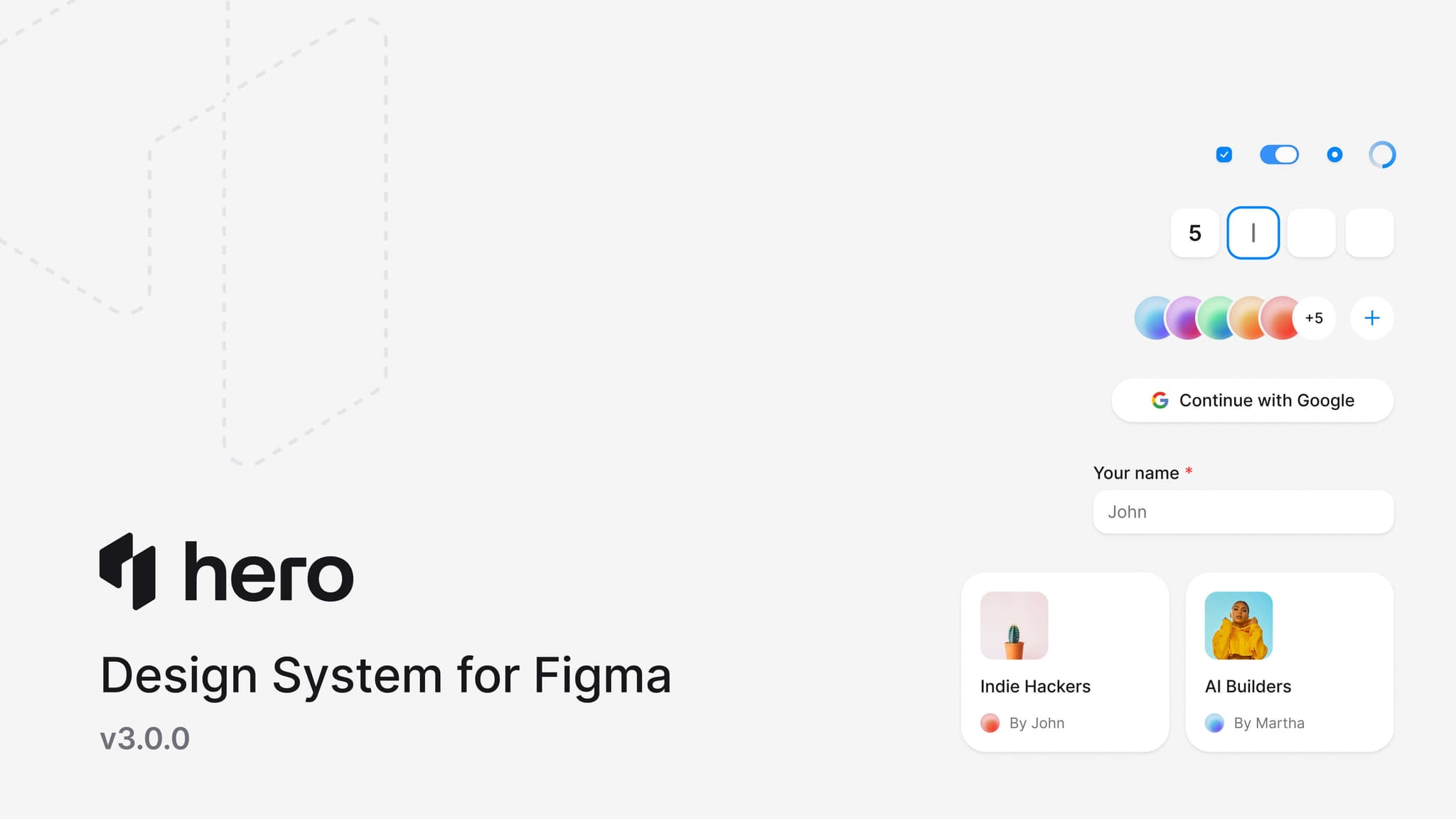
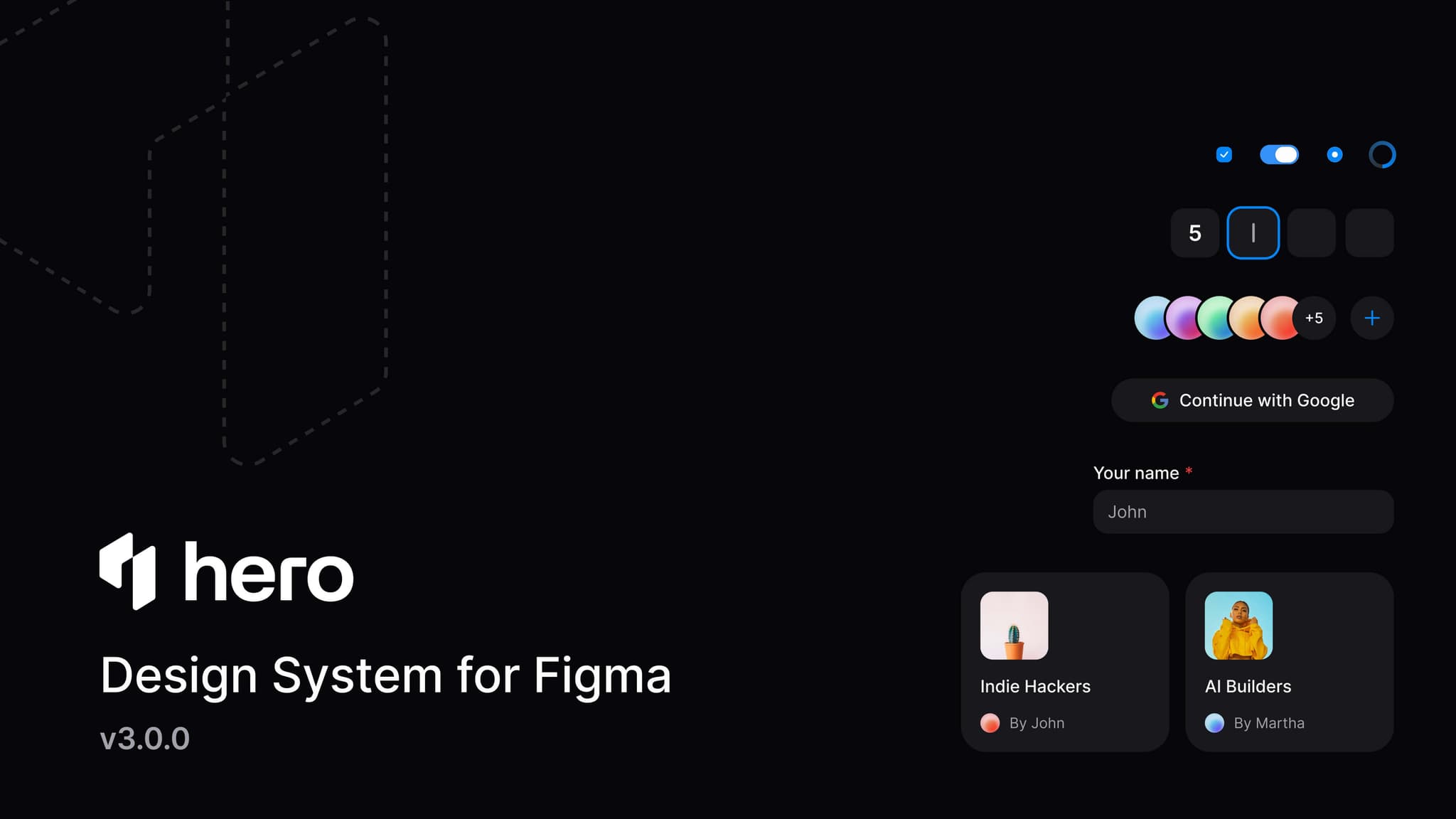
Every component in HeroUI v3 has a 1:1 match in Figma. Same variants, same naming, same structure. The kit uses auto layout throughout, Figma variables that map directly to code tokens (--accent, --surface, --radius), and Figma's new slots for flexible component composition. Designers rearrange, swap, and customize parts the same way developers do in code.
Acknowledgments
React Aria gave us the accessibility layer we couldn't build as well on our own. Tailwind CSS v4's native CSS variable approach shaped the entire theming system. The compound component pattern was refined by studying how Radix, Ark UI, and Base UI solved composition.
Thanks to every community member who filed issues, tested betas, and gave feedback throughout the alpha and RC cycle. The library is better because of you.
Links
v3.0.2
Bug fixes, smoother Drawer transitions, new --backdrop theme variable, and style refinements for triggers, arrows, and tags.
v3.0.0-rc.1
7 new components (Drawer, ToggleButton, ToggleButtonGroup, Meter, ProgressBar, ProgressCircle, Toolbar), Table & ListBox virtualization, ButtonGroup improvements, and bug fixes.