


Agent Skills
Enable AI assistants to build UIs with HeroUI v3 components
HeroUI Skills give your AI assistant comprehensive knowledge of HeroUI v3 components, patterns, and best practices.
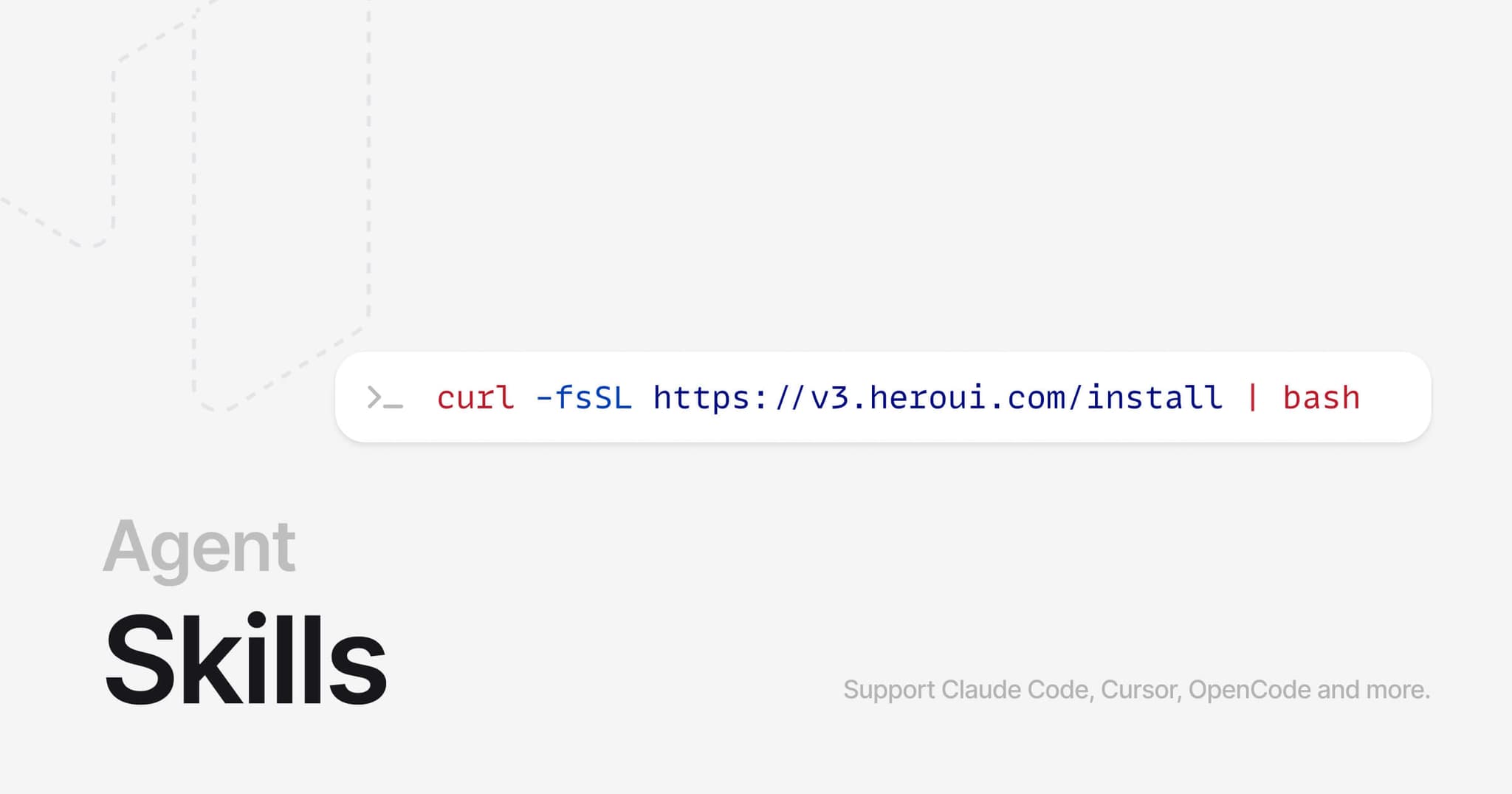
Installation
curl -fsSL https://heroui.com/install | bash -s heroui-reactOr using the skills package:
npx skills add heroui-inc/herouiSupport Claude Code, Cursor, OpenCode and more.
Install Scope
By default the install script writes to your home directory, so the skill is available in every project. Add HEROUI_SKILL_SCOPE=project and rerun it from a project root to install there instead — useful when only some of your projects use HeroUI and you don't want the skill in every agent's context.
curl -fsSL https://heroui.com/install | HEROUI_SKILL_SCOPE=project bash -s heroui-reactEach detected tool gets the directory it reads from, inside the project: .claude/skills/ for Claude Code, .cursor/skills/ for Cursor, .opencode/skills/ for OpenCode, and .agents/skills/ for Codex and Antigravity.
Usage
Skills are automatically discovered by your AI assistant, or call it directly using /heroui-react command.
Simply ask your AI assistant to:
- Build components using HeroUI v3
- Create pages with HeroUI components
- Customize themes and styles
- Access component documentation
For more complex use cases, use the MCP Server which provides real-time access to component documentation and source code.
What's Included
- HeroUI v3 installation guide
- All HeroUI v3 components with props, examples, and usage patterns
- Theming and styling guidelines
- Design principles and composition patterns
Structure
skills/heroui-react/
├── SKILL.md              # Main skill documentation
├── LICENSE.txt           # Apache License 2.0
└── scripts/              # Utility scripts
    ├── list_components.mjs
    ├── get_component_docs.mjs
    ├── get_source.mjs
    ├── get_styles.mjs
    ├── get_theme.mjs
    └── get_docs.mjs
Related Documentation
- Agent Skills Specification - Learn about the Agent Skills format
- Claude Agent Skills - Claude's Skills documentation
- Cursor Skills - Using Skills in Cursor
- OpenCode Skills - Using Skills in OpenCode