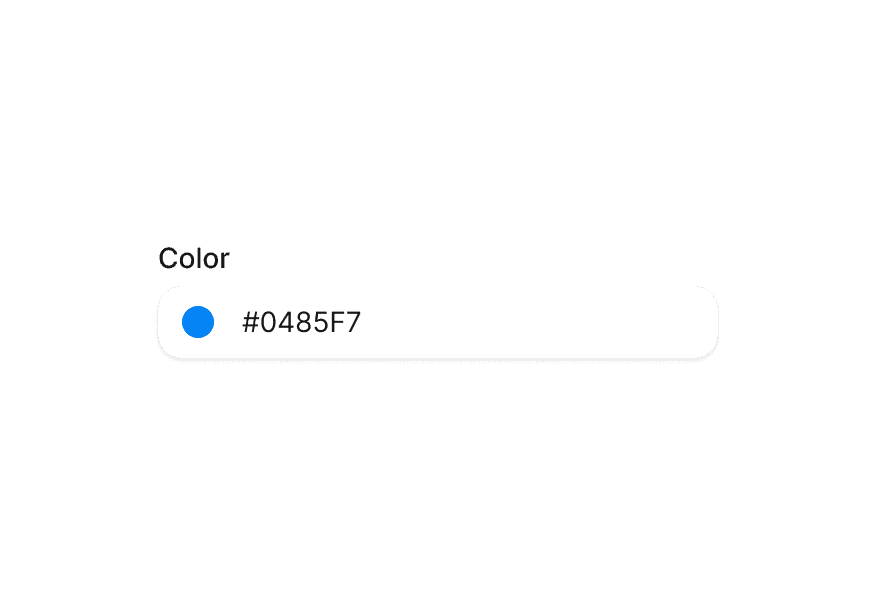
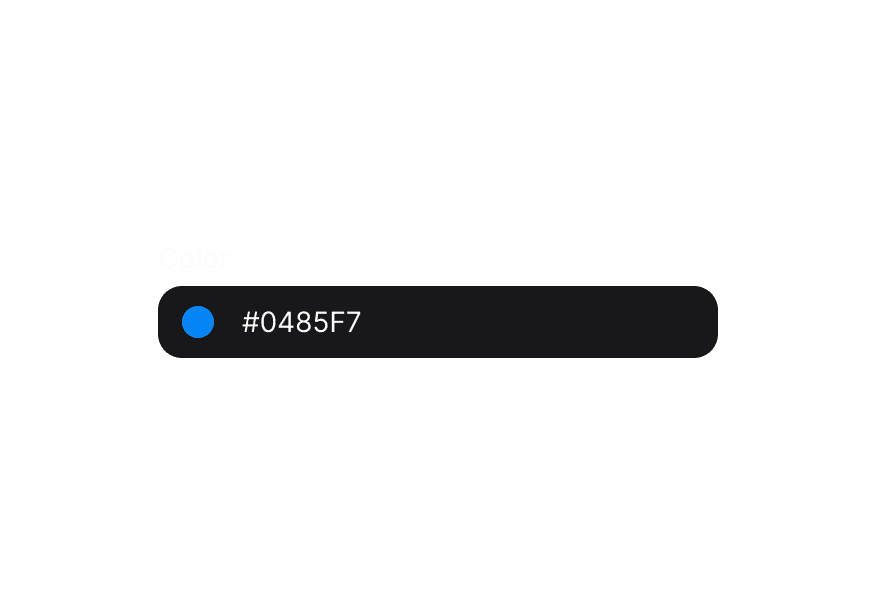
ColorSwatch
A visual preview of a color value with accessibility support
Usage
import { ColorSwatch } from '@heroui/react';Examples
Sizes
Shapes
Transparency
Render Function
You can use the style render props to access the color value and create custom visual effects.
Accessibility
Use colorName to provide a custom accessible name for the color, and aria-label to add context about how the color is used.
Customization
Tailwind CSS
Global CSS
To customize the ColorSwatch component classes, you can use the @layer components directive.
Learn more.
@layer components {
  .color-swatch {
    @apply border-2 border-white;
  }
}
Styling Reference
HeroUI follows the BEM methodology to ensure component variants and states are reusable and easy to customize.
CSS Classes
The ColorSwatch component uses these CSS classes (View source styles):
Base Classes
.color-swatch- Base swatch styles with checkered background for transparency
Shape Classes
.color-swatch--circle- Circular shape (default).color-swatch--square- Square shape with rounded corners
Size Classes
.color-swatch--xs- Extra small (16px).color-swatch--sm- Small (24px).color-swatch--md- Medium (32px, default).color-swatch--lg- Large (36px).color-swatch--xl- Extra large (40px)
API Reference
ColorSwatch
| Prop | Type | Default | Description |
|---|---|---|---|
color | string | Color | - | The color value to display (hex, rgb, hsl, etc.) |
colorName | string | - | Accessible name for the color (overrides auto-generated description) |
className | string | - | Additional CSS classes |
shape | "circle" | "square" | "circle" | Shape of the swatch |
size | "xs" | "sm" | "md" | "lg" | "xl" | "md" | Size of the swatch |
style | CSSProperties | ((renderProps) => CSSProperties) | - | Inline styles or render props function with access to color |
aria-label | string | - | Accessible label for the swatch |
render | DOMRenderFunction<keyof React.JSX.IntrinsicElements, ColorSwatchRenderProps> | - | Overrides the default DOM element with a custom render function. |
Style Render Props
When using the style prop as a function, you receive render props with access to the color:
<ColorSwatch
  color="#0485F7"
  style={({ color }) => ({
    boxShadow: `0 4px 14px ${color.toString("css")}80`,
  })}
/>
The color object provides methods like:
color.toString("css")- Returns CSS color stringcolor.toString("hex")- Returns hex color stringcolor.getChannelValue("alpha")- Returns alpha channel value