ListBox
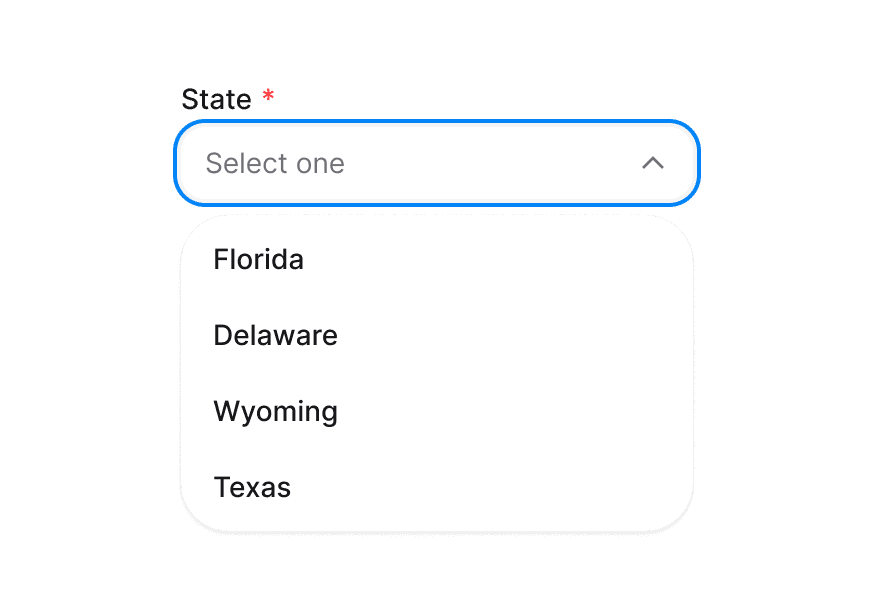
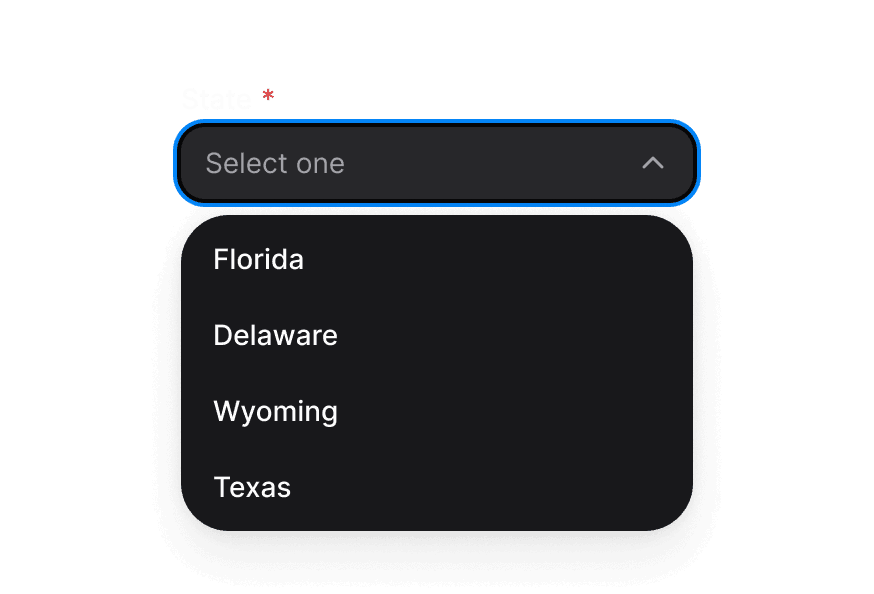
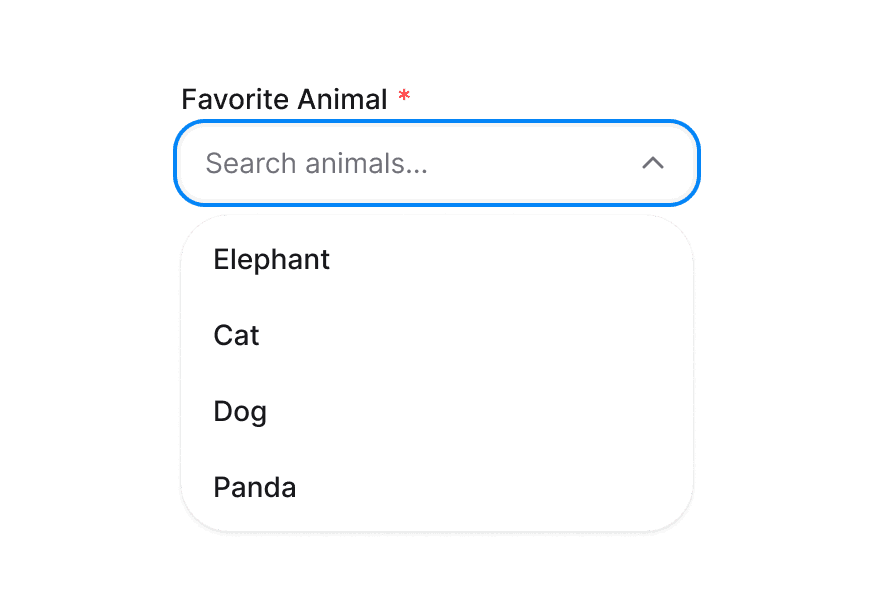
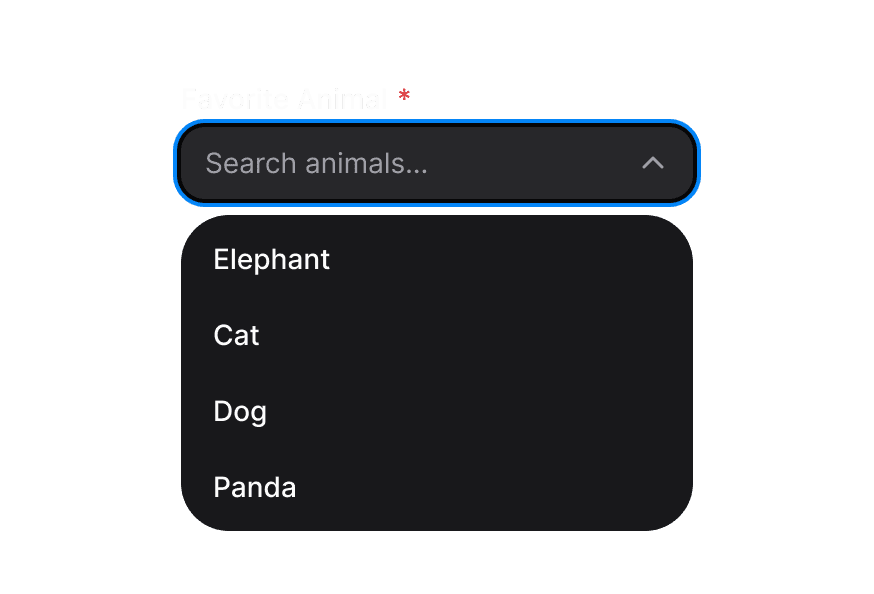
A listbox displays a list of options and allows a user to select one or more of them
Usage
import { ListBox } from '@heroui/react';Anatomy
import { ListBox, Label, Description, Header } from '@heroui/react';

export default () => (
  <ListBox>
    <ListBox.Item>
      <Label />
      <Description />
      <ListBox.ItemIndicator />
    </ListBox.Item>
    <ListBox.Section>
      <Header />
      <ListBox.Item>
        <Label />
      </ListBox.Item>
    </ListBox.Section>
  </ListBox>
)
Examples
With Disabled Items
With Sections
Multi Select
Controlled
Virtualization
ListBox supports virtualization through Virtualizer, enabling efficient rendering of large datasets by displaying only the rows visible within the viewport.
Custom Check Icon
Render Function
Customization
Tailwind CSS
Global CSS
To customize the ListBox component classes, you can use the @layer components directive.
Learn more.
@layer components {
  .list-box {
    @apply rounded-lg border border-border bg-surface p-2;
  }

  .list-box-item {
    @apply rounded px-2 py-1 cursor-pointer;
  }

  .list-box-item--danger {
    @apply text-danger;
  }

  .list-box-item__indicator {
    @apply text-accent;
  }
}
Styling Reference
HeroUI follows the BEM methodology to ensure component variants and states are reusable and easy to customize.
CSS Classes
The ListBox component uses these CSS classes (View source styles):
Base Classes
.list-box- Base listbox container.list-box-item- Individual listbox item.list-box-item__indicator- Selection indicator icon.list-box-section- Section container for grouping items
Variant Classes
.list-box--default- Default variant styling.list-box--danger- Danger variant styling.list-box-item--default- Default item variant.list-box-item--danger- Danger item variant
State Classes
.list-box-item[data-selected="true"]- Selected item state.list-box-item[data-focus-visible="true"]- Focused item state.list-box-item[data-disabled="true"]- Disabled item state.list-box-item__indicator[data-visible="true"]- Visible indicator state
Interactive States
The component supports both CSS pseudo-classes and data attributes for flexibility:
- Hover:
:hoveror[data-hovered="true"]on item - Focus:
:focus-visibleor[data-focus-visible="true"]on item - Selected:
[data-selected="true"]on item - Disabled:
:disabledor[data-disabled="true"]on item
API Reference
ListBox
| Prop | Type | Default | Description |
|---|---|---|---|
aria-label | string | - | Accessibility label for the listbox |
aria-labelledby | string | - | ID of element that labels the listbox |
selectionMode | "none" | "single" | "multiple" | "single" | Selection behavior |
selectedKeys | Selection | - | Controlled selected keys |
defaultSelectedKeys | Selection | - | Initial selected keys |
onSelectionChange | (keys: Selection) => void | - | Handler called when selection changes |
disabledKeys | Iterable<Key> | - | Keys of disabled items |
onAction | (key: Key) => void | - | Handler called when an item is activated |
variant | "default" | "danger" | "default" | Visual variant |
className | string | - | Additional CSS classes |
children | ReactNode | - | ListBox items and sections |
render | DOMRenderFunction<keyof React.JSX.IntrinsicElements, ListBoxRenderProps> | - | Overrides the default DOM element with a custom render function. |
ListBox.Item
| Prop | Type | Default | Description |
|---|---|---|---|
id | Key | - | Unique identifier for the item |
textValue | string | - | Text value for accessibility and typeahead |
isDisabled | boolean | false | Whether this item is disabled |
variant | "default" | "danger" | "default" | Visual variant |
className | string | - | Additional CSS classes |
children | ReactNode | RenderFunction | - | Item content or render function |
render | (props: DetailedHTMLProps<LinkWithRequiredHref, HTMLAnchorElement> | React.JSX.IntrinsicElements[keyof React.JSX.IntrinsicElements], renderProps: ListBoxItemRenderProps) => ReactElement | - | Overrides the default DOM element with a custom render function. |
ListBox.ItemIndicator
| Prop | Type | Default | Description |
|---|---|---|---|
className | string | - | Additional CSS classes |
children | ReactNode | RenderFunction | - | Custom indicator content or render function |
ListBox.Section
| Prop | Type | Default | Description |
|---|---|---|---|
className | string | - | Additional CSS classes |
children | ReactNode | - | Section content including Header and Items |
Render Props
When using render functions with ListBox.Item or ListBox.ItemIndicator, these values are provided:
| Prop | Type | Description |
|---|---|---|
isSelected | boolean | Whether the item is selected |
isFocused | boolean | Whether the item is focused |
isDisabled | boolean | Whether the item is disabled |
isPressed | boolean | Whether the item is being pressed |
ListLayout
| Name | Type | Default | Description |
|---|---|---|---|
rowHeight | number | undefined | 48 | The fixed height of a row in px. |
estimatedRowHeight | number | undefined | — | The estimated height of a row, when row heights are variable. |
headingHeight | number | undefined | 48 | The fixed height of a section header in px. |
estimatedHeadingHeight | number | undefined | — | The estimated height of a section header, when the height is variable. |
loaderHeight | number | undefined | 48 | The fixed height of a loader element in px. This loader is specifically for "load more" elements rendered when loading more rows at the root level or inside nested row/sections. |
dropIndicatorThickness | number | undefined | 2 | The thickness of the drop indicator. |
gap | number | undefined | 0 | The gap between items. |
padding | number | undefined | 0 | The padding around the list. |
Accessibility
The ListBox component implements the ARIA listbox pattern and provides:
- Full keyboard navigation support
- Screen reader announcements for selection changes
- Proper focus management
- Support for disabled states
- Typeahead search functionality
For more information, see the React Aria ListBox documentation.