SheetNew
Swipeable overlay with native scroll snapping, partial positions, and nested sheets
Usage
import {Button, Sheet} from "@heroui/react";Anatomy
import {Button, Sheet} from "@heroui/react";

export default () => (
  <Sheet>
    <Sheet.Trigger>
      <Button>Open sheet</Button>
    </Sheet.Trigger>
    <Sheet.Backdrop>
      <Sheet.Content>
        <Sheet.Dialog>
          <Sheet.Handle />
          <Sheet.CloseTrigger />
          <Sheet.Header>
            <Sheet.Heading>Details</Sheet.Heading>
          </Sheet.Header>
          <Sheet.Body>Sheet content</Sheet.Body>
          <Sheet.Footer>
            <Sheet.Close>
              <Button>Done</Button>
            </Sheet.Close>
          </Sheet.Footer>
        </Sheet.Dialog>
      </Sheet.Content>
    </Sheet.Backdrop>
  </Sheet>
);
Sheet.Root is an alias for Sheet. Sheet.Trigger wraps a pressable child such as Button and is placed directly inside the root. Provide a Sheet.Heading, aria-label, or aria-labelledby for the dialog's accessible name. Use Sheet.Close, Sheet.CloseTrigger, or a button with slot="close" for keyboard-accessible dismissal; the handle is decorative to assistive technology.
Examples
Placements
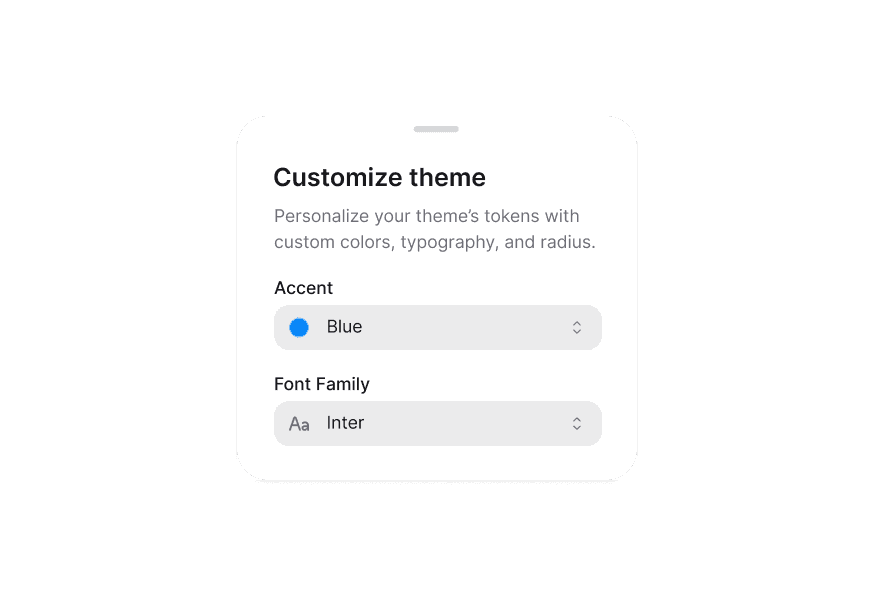
Set placement on the root to bottom (default), top, left, or right.
Snap Points
Numbers are pixels, not fractions. Strings are CSS lengths; percentages are relative to the sheet. The sheet opens at the first point and can expand to full size without an explicit final point. A trailing 1, "1", or "100%" is ignored. Other numbers retain their pixel meaning.
Snap Points (Sequential)
A swipe can pass through multiple snap points. Full expansion is implicit; no additional sequential-snapping prop is needed.
Snap Points (Custom Fade)
The backdrop remains clear through the partial snap points and fades in as the sheet expands past the last point. React Aria manages this behavior; fadeFromIndex is not supported.
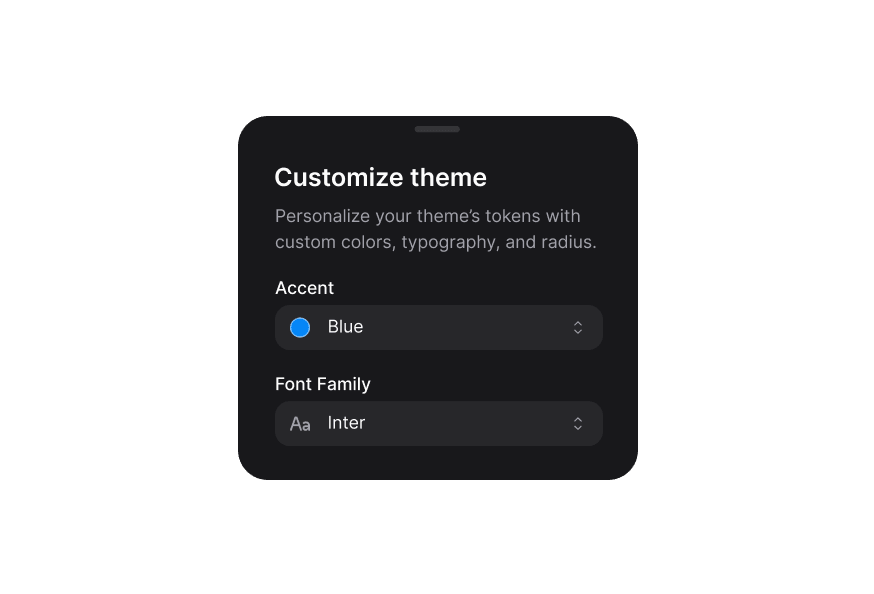
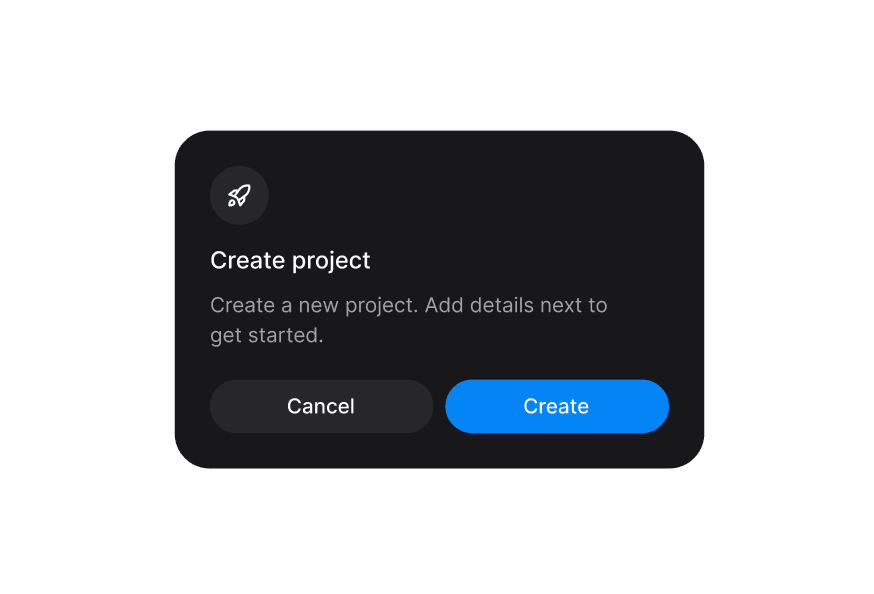
Backdrop Variants
Non-Dismissable
isDismissable={false} prevents outside interaction, Escape, and swipe dismissal. Explicit close controls still work.
Scrollable Content
At a partial snap point, swiping expands the sheet. Once fully expanded, Sheet.Body scrolls its content. Sheet.Handle also supports pointer dragging, including a mouse.
With Form
Compose form fields inside Sheet.Body. Use secondary inputs on the overlay surface.
Detached
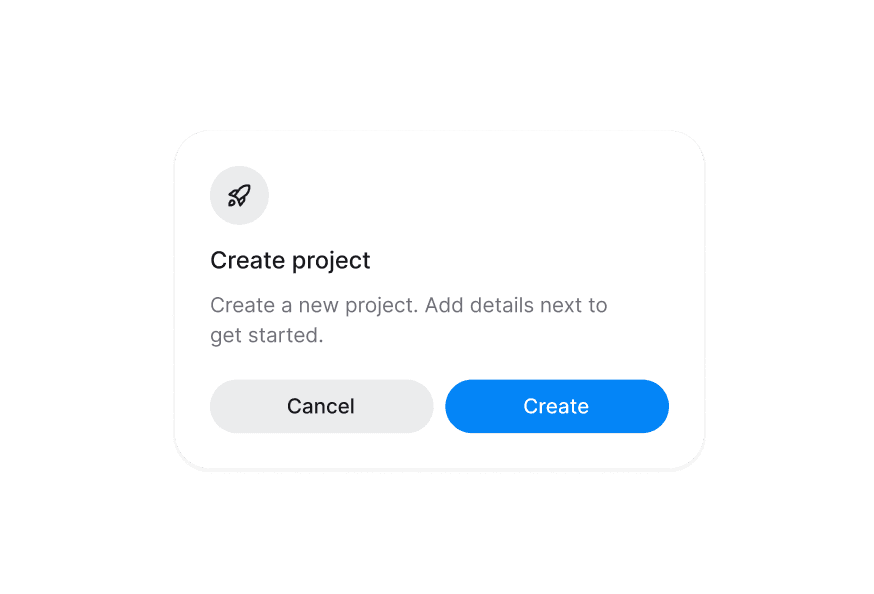
isDetached adds space around the sheet and rounds all corners.
Controlled State
Use isOpen with onOpenChange, or defaultOpen for uncontrolled state. A controlled sheet may omit Sheet.Trigger.
Handle Only
The handle offers a visible grip and supports pointer dragging. Touch gestures also work on the panel until it is fully expanded; the handle does not restrict swipes to itself.
Nested Sheets
Place Sheet.NestedRoot inside another sheet. React Aria manages stacking and focus restoration; only the bottom sheet dims the page.
Professions Picker
Combine a search field and a virtualized list inside a sheet with a 355px initial snap point. Selecting an occupation updates the value and closes the sheet.
Customization
Use className on compound parts or override the sheet__* BEM classes in @layer components. Preserve React Aria's scroll positioning rather than adding a separate translate-based entrance animation.
Tailwind CSS
Apply Tailwind CSS utilities to individual parts with className.
<Sheet>
  <Sheet.Trigger>
    <Button variant="secondary">Open sheet</Button>
  </Sheet.Trigger>
  <Sheet.Backdrop>
    <Sheet.Content className="mx-auto max-w-lg">
      <Sheet.Dialog className="rounded-t-3xl border border-border">
        <Sheet.Handle />
        <Sheet.CloseTrigger />
        <Sheet.Header className="text-center">
          <Sheet.Heading>Details</Sheet.Heading>
        </Sheet.Header>
        <Sheet.Body className="px-6 pb-6">Sheet content</Sheet.Body>
      </Sheet.Dialog>
    </Sheet.Content>
  </Sheet.Backdrop>
</Sheet>
Global CSS
Use @layer components to customize the Sheet BEM classes.
@layer components {
  .sheet__dialog {
    @apply border border-border;
  }

  .sheet__header {
    @apply text-center;
  }

  .sheet__body {
    @apply px-6 pb-6;
  }
}
Styling Reference
HeroUI follows the BEM methodology to keep component styles reusable and easy to customize.
CSS Classes
Base Classes
.sheet__overlay- Modal overlay container.sheet__backdrop- Backdrop behind the sheet.sheet__content- Sheet sizing and stacking wrapper.sheet__dialog- Dialog surface.sheet__header- Header section.sheet__heading- Dialog title.sheet__body- Content area that scrolls after full expansion.sheet__footer- Footer actions.sheet__handle- Draggable handle area.sheet__handle-bar- Default visual grip.sheet__close-trigger- Close button
Backdrop Variants
.sheet__backdrop--opaque- Dimmed backdrop (default).sheet__backdrop--blur- Blurred backdrop.sheet__backdrop--transparent- Transparent backdrop
Only the bottom-most sheet in a nested stack dims the page.
Placement Variants
.sheet__content--bottom,.sheet__dialog--bottom- Bottom edge (default).sheet__content--top,.sheet__dialog--top- Top edge.sheet__content--left,.sheet__dialog--left- Left edge.sheet__content--right,.sheet__dialog--right- Right edge
Interactive States
[data-focus-visible="true"]- Keyboard focus on the close button; native fallback uses:focus-visible:not([data-focused]):hover,[data-hovered="true"]- Close button hover:disabled,[aria-disabled="true"]- Disabled close button[data-dragging]- Handle drag in progress[data-expanded]- Fully expanded sheet; enables body scrolling[data-has-descendants]- Parent sheet with an open nested sheet[data-detached]- Inset spacing and rounded corners[data-snap-points]- Sheet configured with partial snap points[data-entering],[data-exiting]- Opening and closing lifecycle states[data-closed]- Retained closed overlay; pointer interaction is disabled
Data Attributes
The rendered parts expose data-slot: sheet-overlay, sheet-backdrop, sheet-content, sheet-dialog, sheet-header, sheet-heading, sheet-body, sheet-footer, sheet-handle, sheet-handle-bar, and sheet-close-trigger. The root, trigger, and close wrappers do not add DOM elements.
Sheet.Content also exposes data-placement, data-detached, and data-snap-points. React Aria supplies data-position, data-expanded, data-stack-index, data-has-descendants, data-entering, and data-exiting on applicable parts.
API Reference
Sheet / Sheet.Root / Sheet.NestedRoot
| Prop | Type | Default | Description |
|---|---|---|---|
children | ReactNode | — | Compound parts. |
isOpen | boolean | — | Controlled visibility. |
defaultOpen | boolean | false | Initial uncontrolled visibility. |
onOpenChange | (open: boolean) => void | — | Called when a visibility change is requested. |
onClose | () => void | — | Called when closing is requested. |
onAnimationEnd | (open: boolean) => void | — | Called after entering or exiting finishes. |
placement | "bottom" | "top" | "left" | "right" | "bottom" | Physical screen edge. |
isDismissable | boolean | true | Allow outside, Escape, and swipe dismissal. |
isDetached | boolean | false | Inset the sheet from the screen edges. |
snapPoints | (number | string)[] | — | Partial resting positions; full expansion is implicit. |
Sheet.NestedRoot requires a parent Sheet. The isNested root flag is internal; use NestedRoot for nesting.
Sheet.Trigger
| Prop | Type | Default | Description |
|---|---|---|---|
children | ReactElement | — | One pressable child, such as Button. Place directly inside Sheet. |
Sheet.Close
| Prop | Type | Default | Description |
|---|---|---|---|
children | ReactElement | — | One pressable child; its onPress handler is composed with closing. |
Sheet.Backdrop
| Prop | Type | Default | Description |
|---|---|---|---|
children | ReactNode | — | Content to render. |
className | string | — | CSS classes. |
variant | "opaque" | "blur" | "transparent" | "opaque" | Backdrop appearance. |
isExiting | boolean | — | Retain content after closing until this flag is cleared. |
Other props inherit from React Aria SheetOverlay, excluding root-owned state, position, snap points, and style. Closing still releases modal focus containment and scroll locking. Clear isExiting when retained content is no longer needed.
Sheet.Content
| Prop | Type | Default | Description |
|---|---|---|---|
children | ReactNode | ((values: SheetRenderProps) => ReactNode) | — | Content or a function receiving React Aria sheet state. |
className | string | — | CSS classes. |
Other props inherit from React Aria Sheet. HeroUI manages stacking animation and overscroll padding; stackAnimation and overscrollPadding cannot be overridden through this component.
Sheet.Dialog
| Prop | Type | Default | Description |
|---|---|---|---|
children | ReactNode | — | Content to render. |
className | string | — | CSS classes. |
role | "dialog" | "alertdialog" | "dialog" | Accessible dialog role. |
aria-label | string | — | Accessible name when no visible heading is provided. |
aria-labelledby | string | — | ID of the element that labels the dialog. |
aria-describedby | string | — | ID of the element describing the dialog. |
Other props and refs inherit from React Aria SheetContent.
Sheet.Header
| Prop | Type | Default | Description |
|---|---|---|---|
children | ReactNode | — | Header content. |
className | string | — | CSS classes. |
Supports standard div props, event handlers, and refs.
Sheet.Heading
| Prop | Type | Default | Description |
|---|---|---|---|
children | ReactNode | — | Dialog title. |
className | string | — | CSS classes. |
slot | string | "title" | Associates the heading with the dialog. |
Other props and refs inherit from React Aria Heading.
Sheet.Body
| Prop | Type | Default | Description |
|---|---|---|---|
children | ReactNode | — | Scrollable body content. |
className | string | — | CSS classes. |
Supports standard div props, event handlers, and refs.
Sheet.Footer
| Prop | Type | Default | Description |
|---|---|---|---|
children | ReactNode | — | Footer actions. |
className | string | — | CSS classes. |
Supports standard div props, event handlers, and refs.
Sheet.Handle
| Prop | Type | Default | Description |
|---|---|---|---|
children | ReactNode | — | Custom grip; renders the default bar when omitted. |
className | string | — | CSS classes. |
Supports standard div props, event handlers, and refs.
Sheet.CloseTrigger
| Prop | Type | Default | Description |
|---|---|---|---|
children | ReactNode | ((values: ButtonRenderProps) => ReactNode) | — | Custom content; defaults to the close icon. |
className | string | — | CSS classes. |
isDisabled | boolean | false | Disable the close button. |
aria-label | string | "Close" | Accessible name; provide localized text when needed. |
onPress | (event: PressEvent) => void | — | Called together with the sheet close action. |
Other props and refs inherit from CloseButton.
Named exports include SheetRoot, SheetTrigger, and the other parts, their props types, SheetProps, SheetNestedRootProps, sheetVariants, and SheetVariants. Compound prop types use indexed access, for example Sheet["Props"] and Sheet["ContentProps"].
Sheet and Drawer
Sheet uses React Aria's native scroll gestures, partial snap positions, and nested stacking. Drawer remains available with its existing API and behavior. Adding Sheet does not migrate or deprecate Drawer.
Accessibility
- Accessible name: Label the dialog with
Sheet.Heading,aria-label, oraria-labelledby. - Focus management: Opening moves focus into the sheet and contains it within the active modal. Closing restores focus to the trigger; closing a nested sheet restores focus within its parent.
- Keyboard: Use
TabandShift+Tabto move between controls.Escapecloses the sheet when dismissal is enabled. - Close controls:
Sheet.CloseandSheet.CloseTriggersupport keyboard activation, including whenisDismissable={false}. - Scroll locking: Page scrolling is locked while the modal is open.
Sheet.Bodyscrolls after full expansion. Retained closed content does not keep the page locked. - Drag handle: The handle is hidden from assistive technology and does not support keyboard dragging. Provide accessible close controls instead of relying solely on swipe gestures.